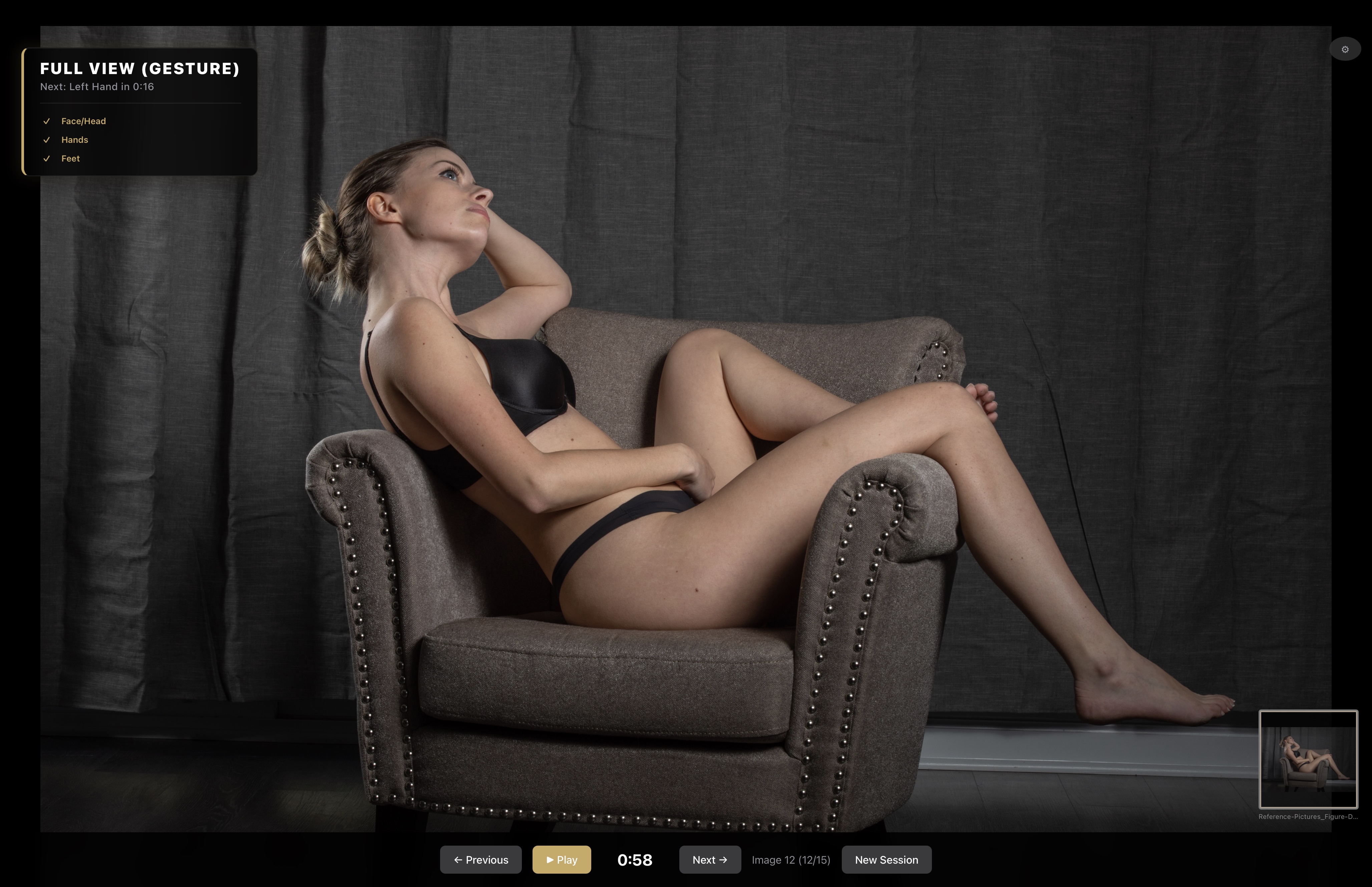
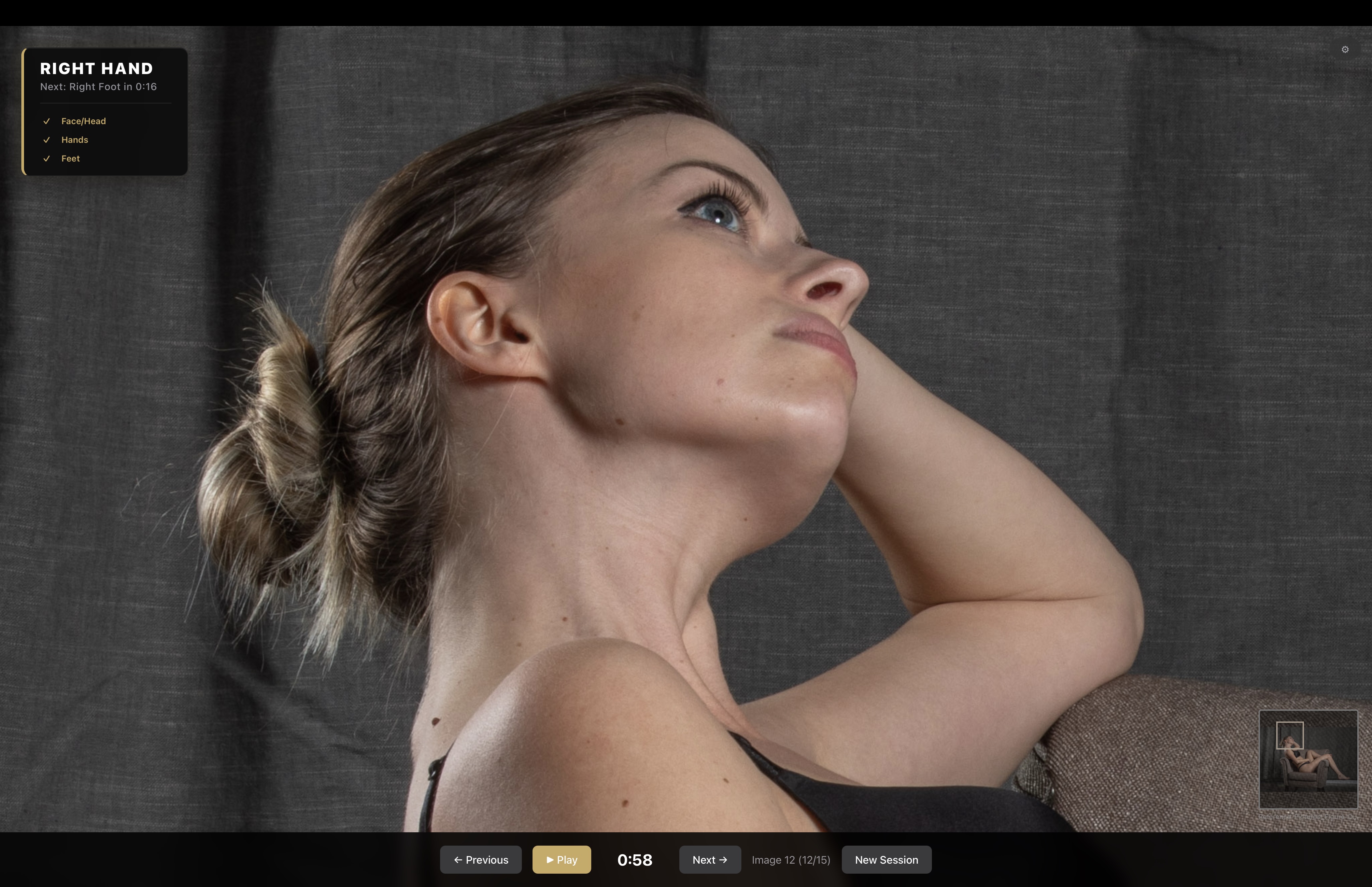
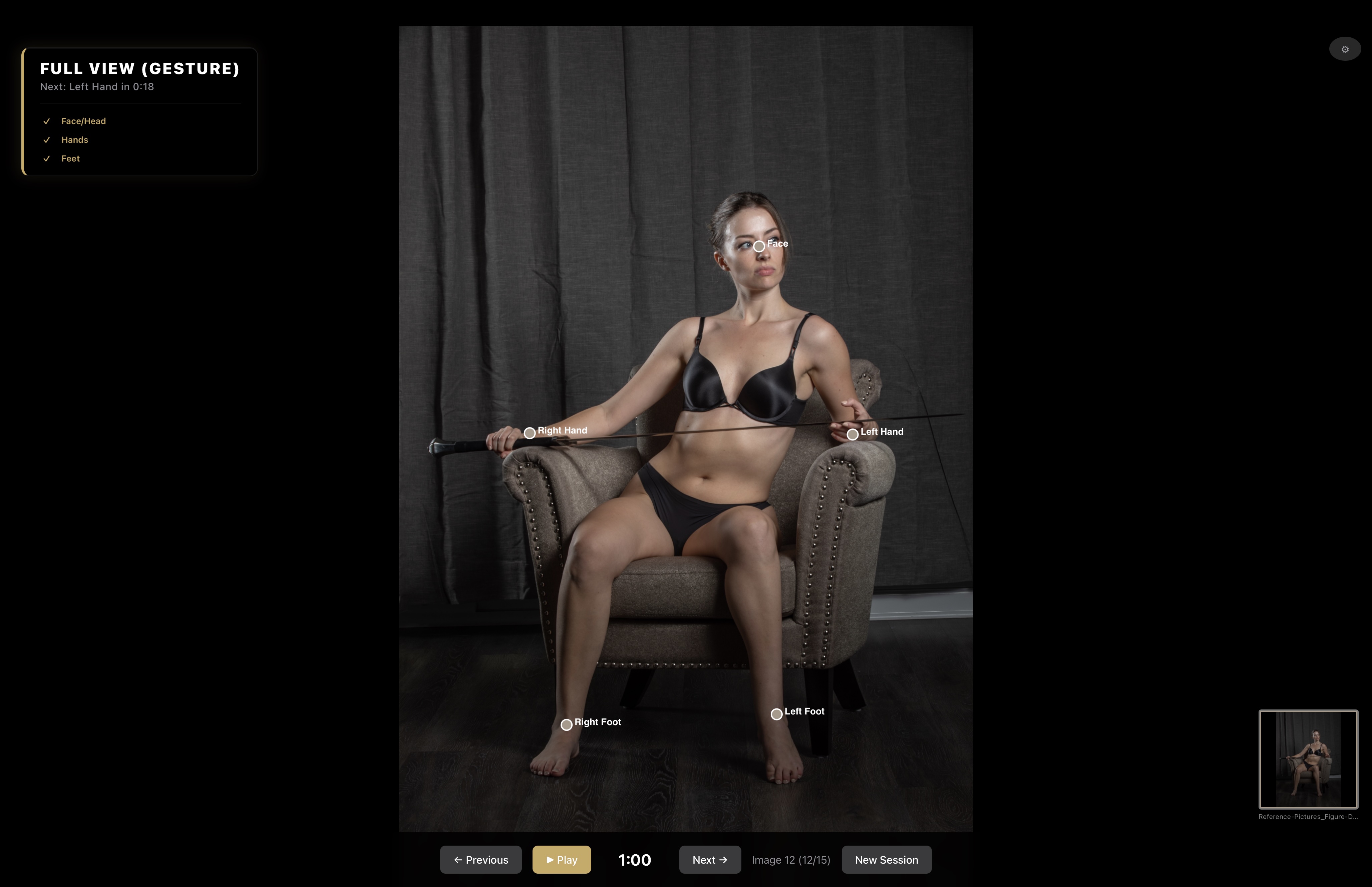
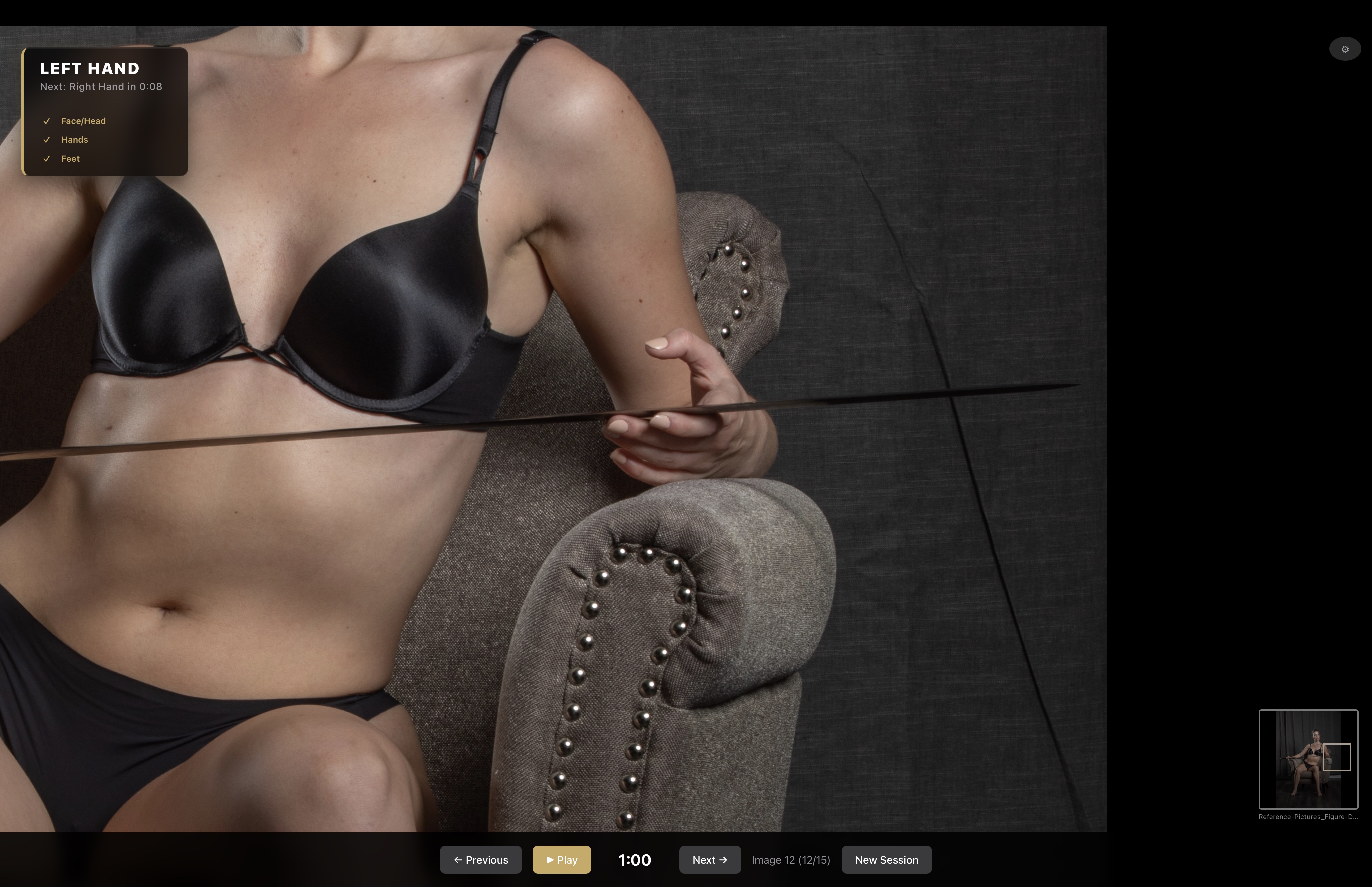
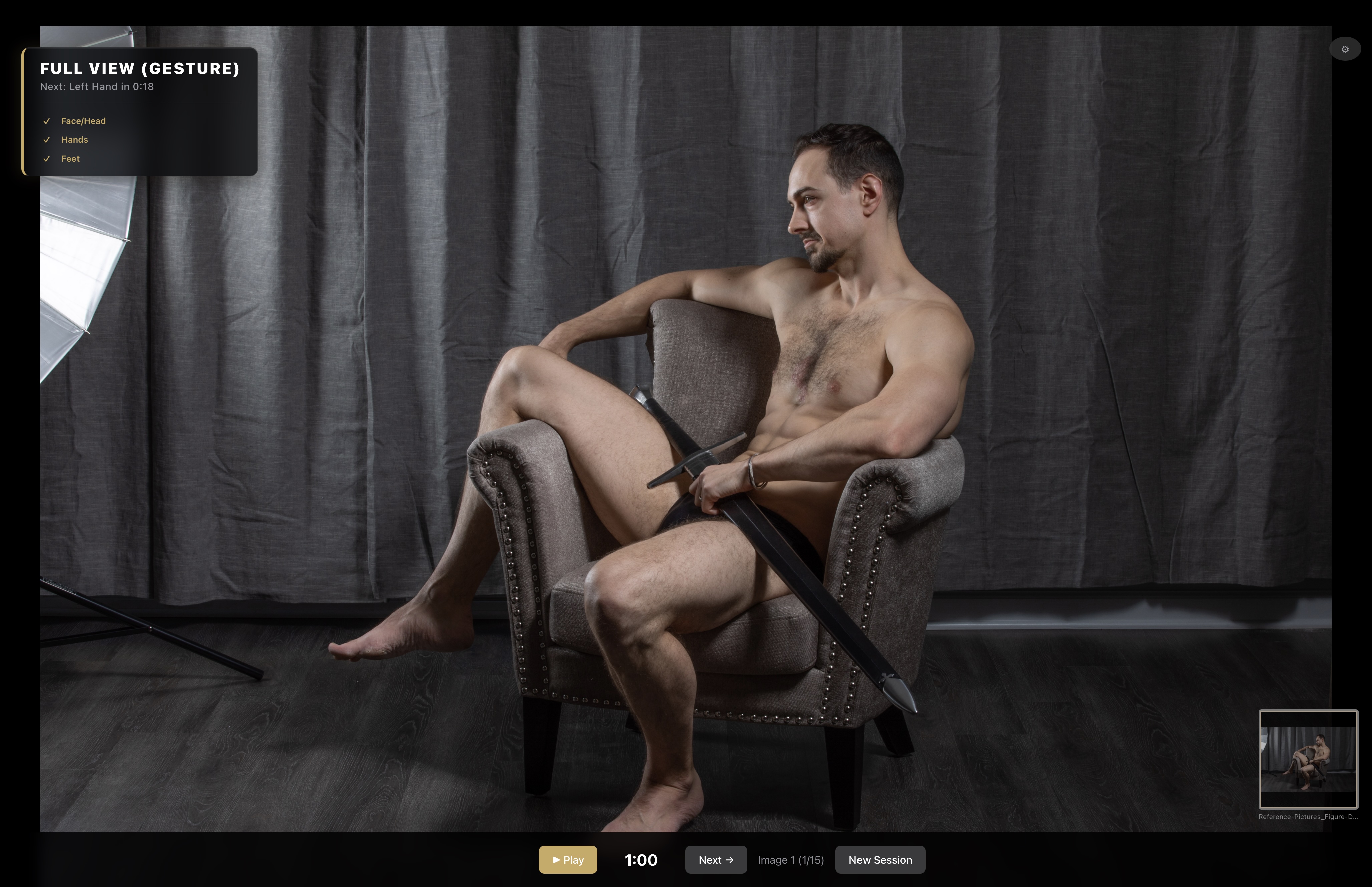
Reference Flow showing a seated chair pose in wide view. Reference Flow zooming into the face of a seated chair pose. Reference Flow showing a seated chair pose with body-part markers. Reference Flow zooming into a detected detail from a seated chair pose. Reference Flow showing the seated chair pose composition.

Figure drawing practice for desktop

Turn reference packs into deliberate anatomy study.

Reference images shown here are from and available at Reference Pictures.

Upload ZIP Upload ZIP and RAR files without uncompressing them. Keep your library compressed, but you can also upload JPGs and PNGs if you want.
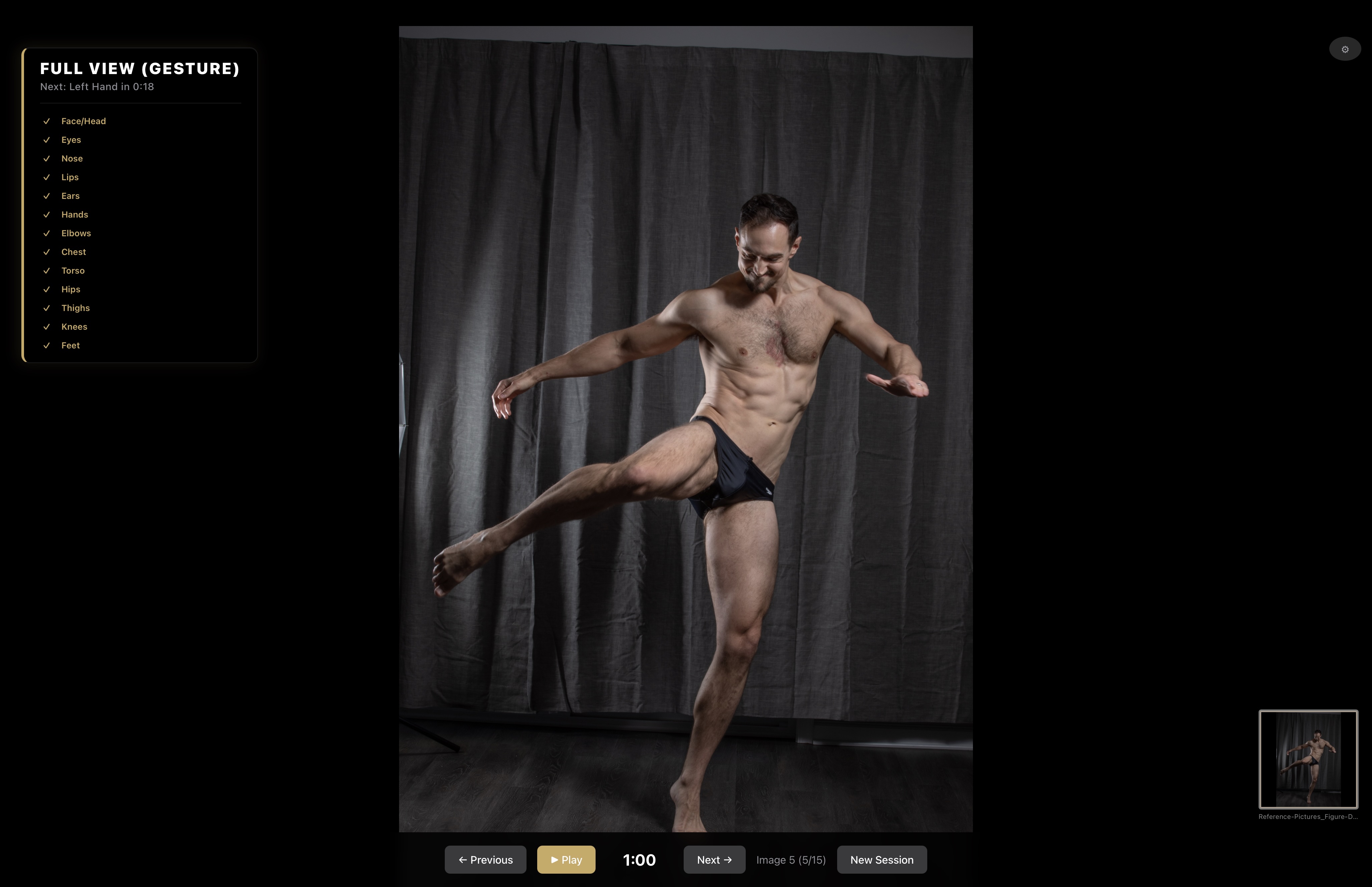
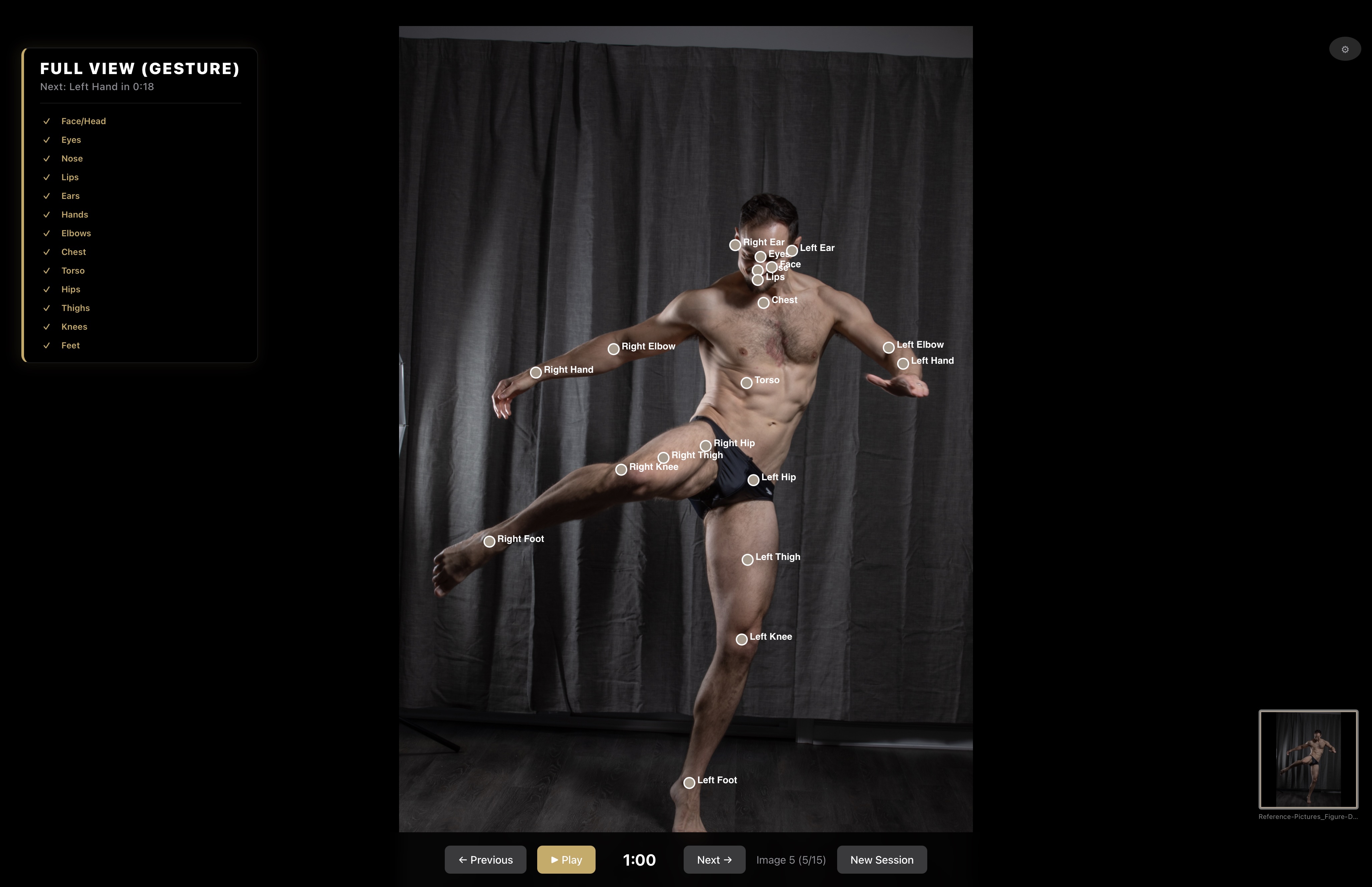
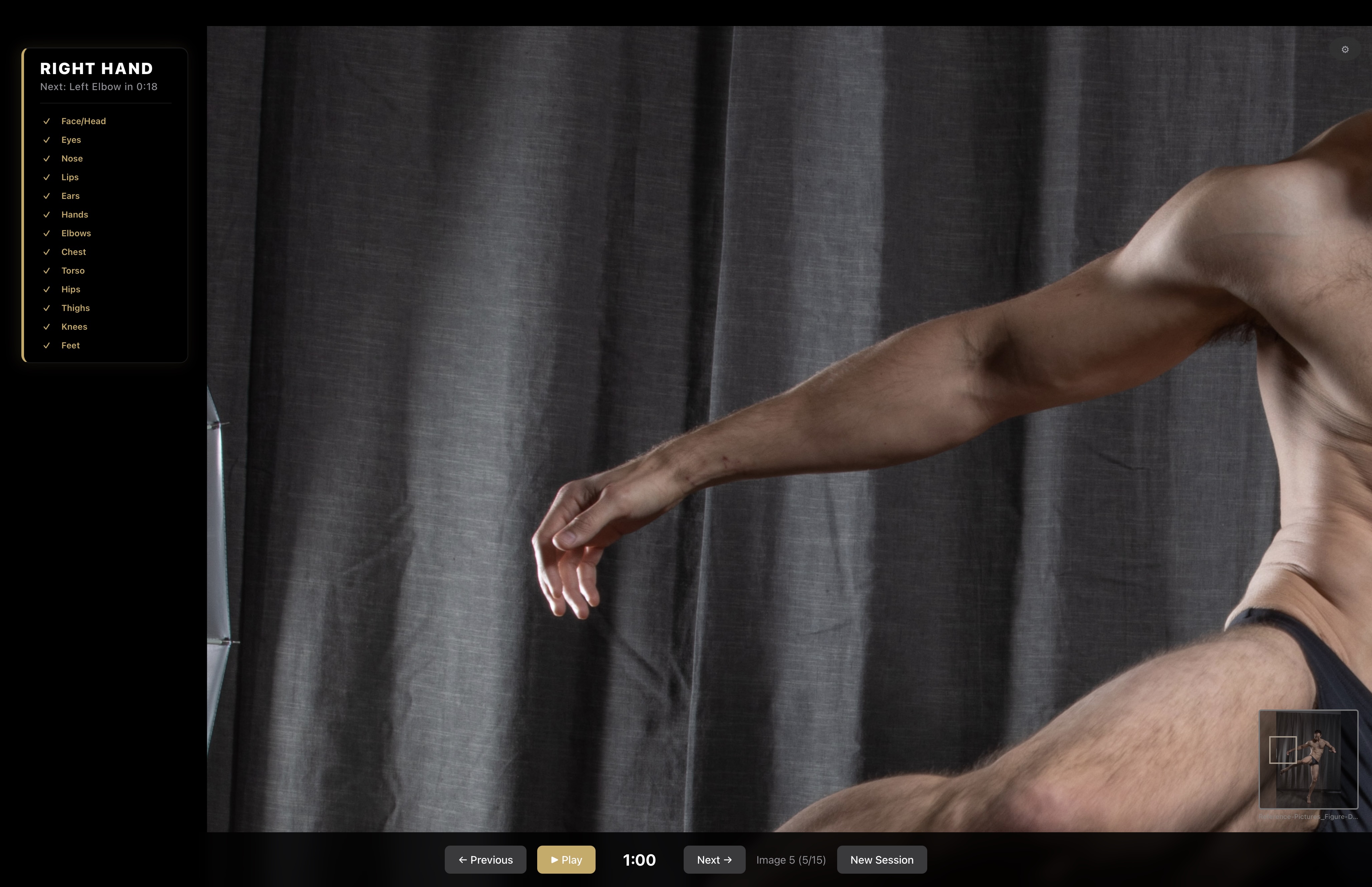
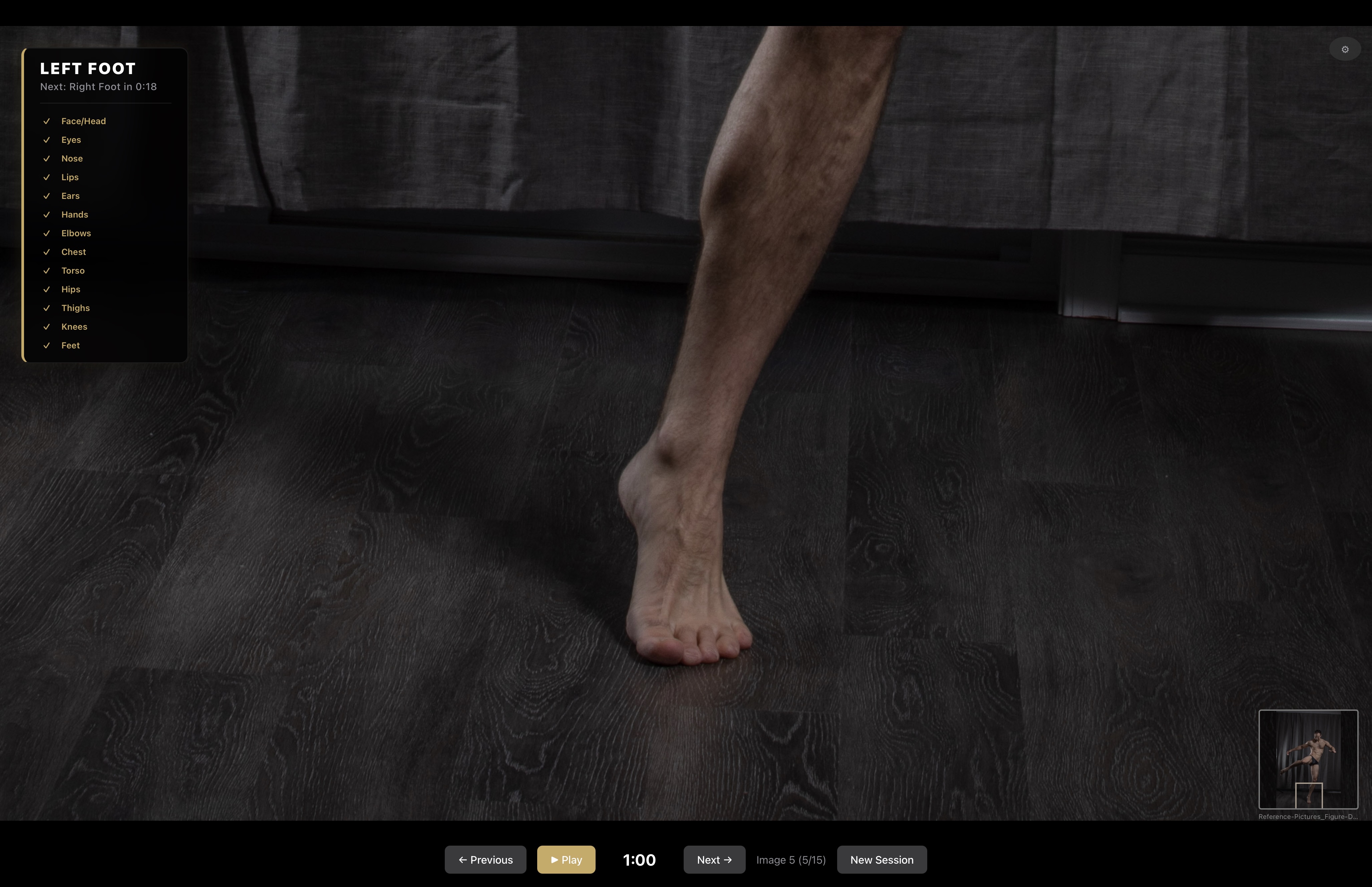
Anatomy Detectionand Zoom Reference Flow can identify 17 different anatomy areas and zoom into them while you sketch, so you can focus on not just the pose but the anatomy as well.
Pay Once Own Forever Even when versions 2 and 3 arrive, this app is still yours. You always own Reference Flow. With many updates and features coming soon.
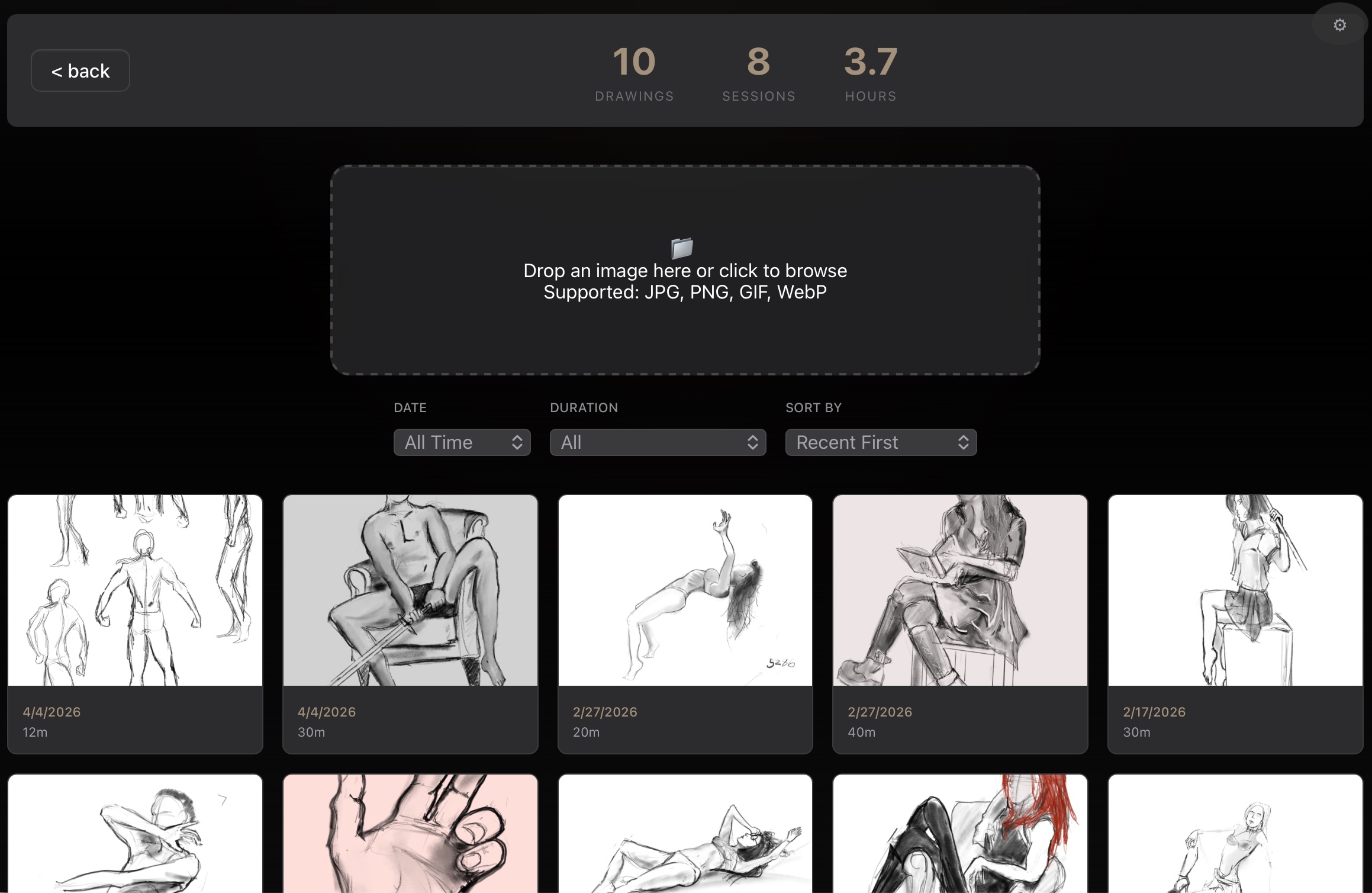
Complete Archive A built-in private gallery tracks your drawings, notes, sessions, and total practice hours in one organized place.

Draw Your Way

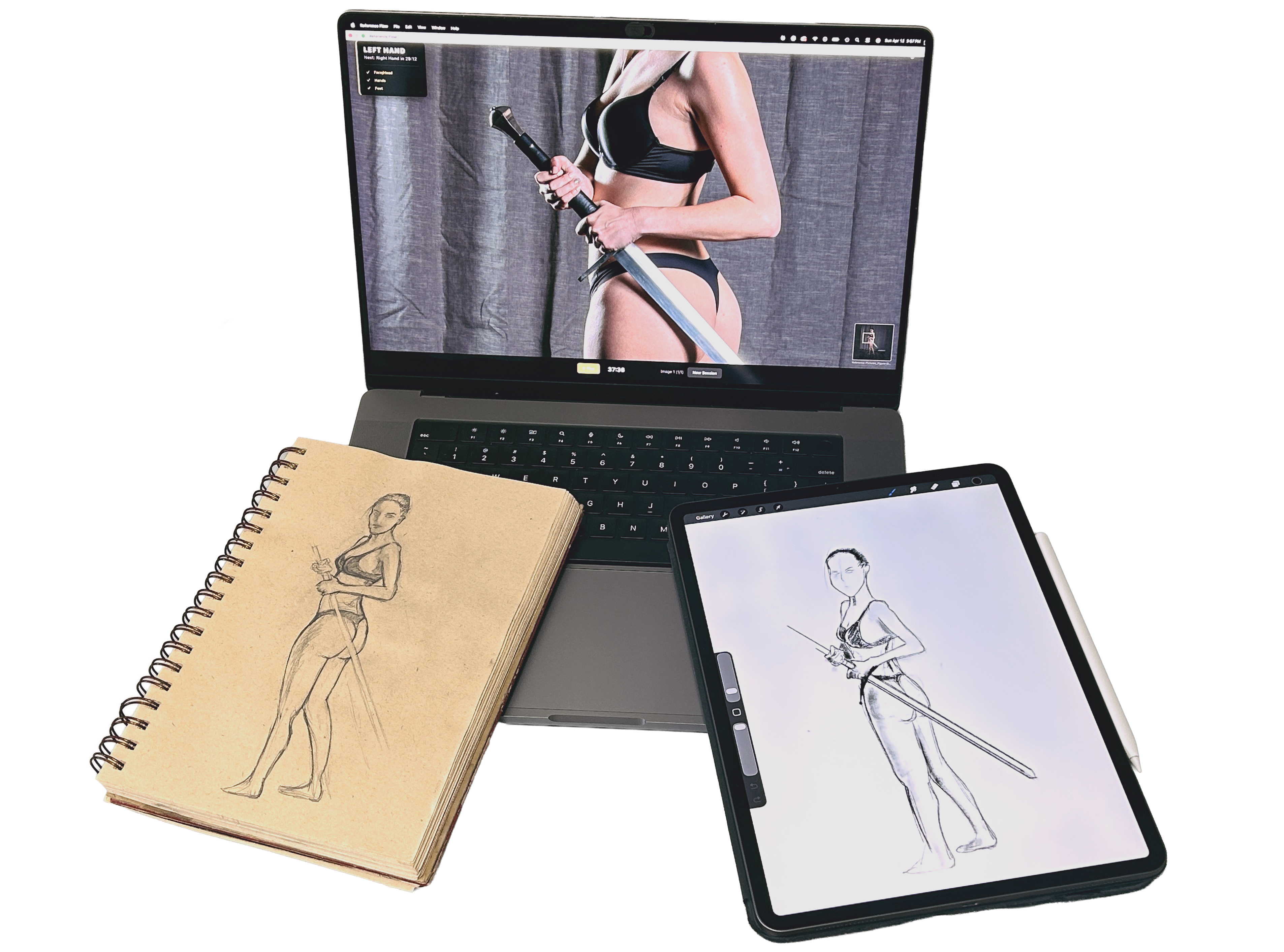
Draw on paper, a tablet, or both.

Save it to your gallery either way to track your progress.

Reference Flow being used alongside a sketchbook drawing on paper and a tablet drawing.
Reference Flow icon

Watch the Demo

Watch it in action

About Reference Flow

Reference Flow started because I was tired of wasting drawing time unzipping packs and digging through hundreds of images trying to decide what image to draw instead of just jumping in and actually practicing. I also had the same bad habit a lot of artists do: skipping over hands and feet and roughing them in instead of really studying them.

Reference Flow is my attempt to use AI (for anatomy detection) in a way that helps artists learn, not generate art for them. The goal is to make practice faster, more focused, and more intentional. I still have a lot of features I want to add, so expect the app to keep growing. If you decide to purchase it, thank you for the support.

Reference Flow showing the full figure view before body-part detection overlays are applied. Reference Flow showing the same figure after body-part detection overlays and labels are applied. Reference Flow zooming into a detected hand for focused anatomy study. Reference Flow zooming into a detected foot for focused anatomy study.

Reference images shown here are from and available at Reference Pictures.

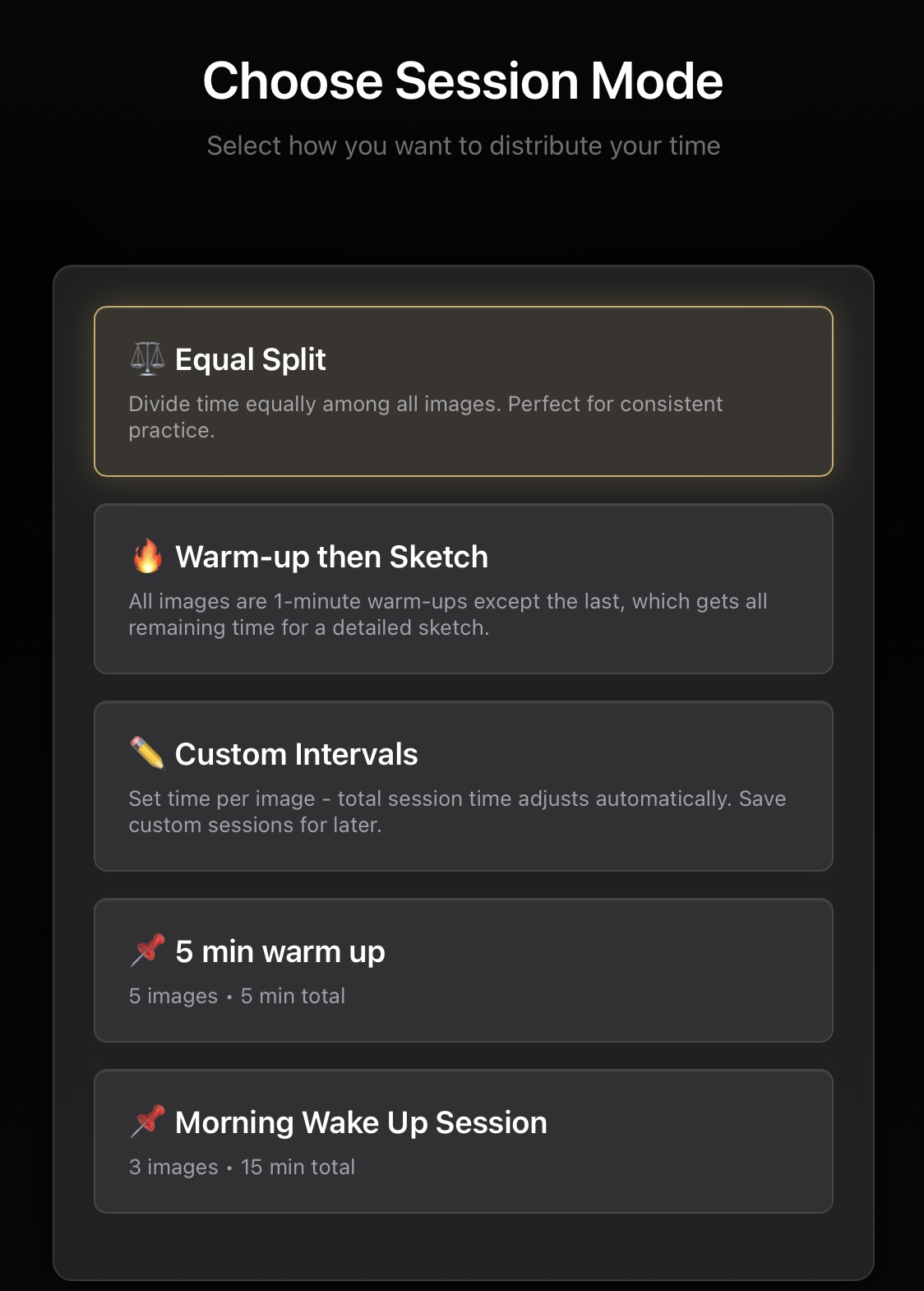
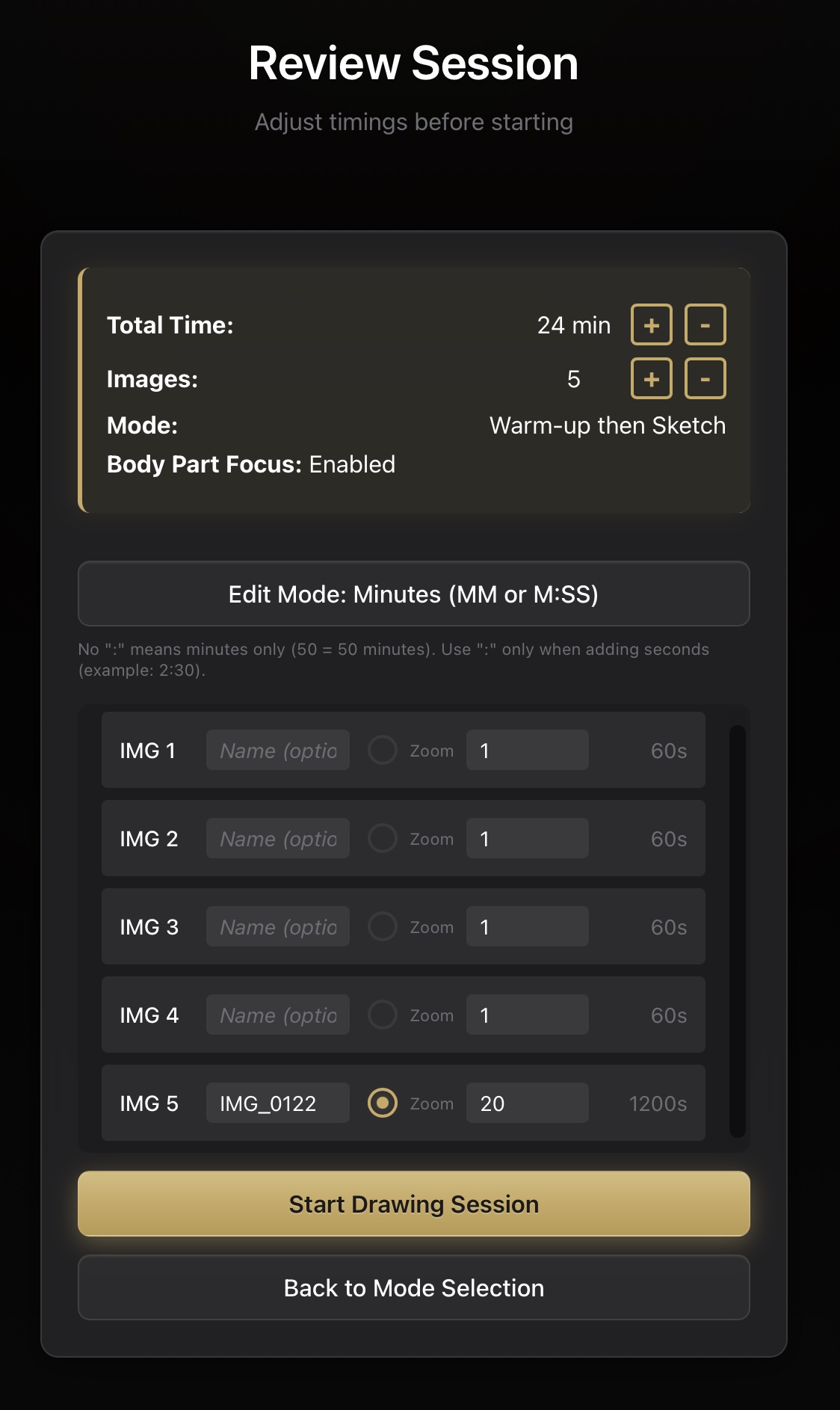
Reference Flow removes the usual clutter around practice. The setup stays simple: choose how you want to work, then make final timing adjustments before the session starts. Choose as many anatomy points as you want, or just the hands and feet. Reference Flow optimizes your drawing session to best fit you.

Detection Preview

AI Anatomy Detection lets you Zoom and Focus.

Study the overall pose while focusing on the anatomy you choose, like hands and feet. Reference Flow guides your drawing time for optimal study.

  • Built-in AI detects 17 anatomy points so you can zoom in and out to focus on them.
  • The AI is in the app itself, so no images are being sent off your computer.
  • The AI can be switched on and off per image, per session. If you have a quick 3-image, 15-minute session, it can be turned off for the first 2 warmup sketches.
Pose Sequence

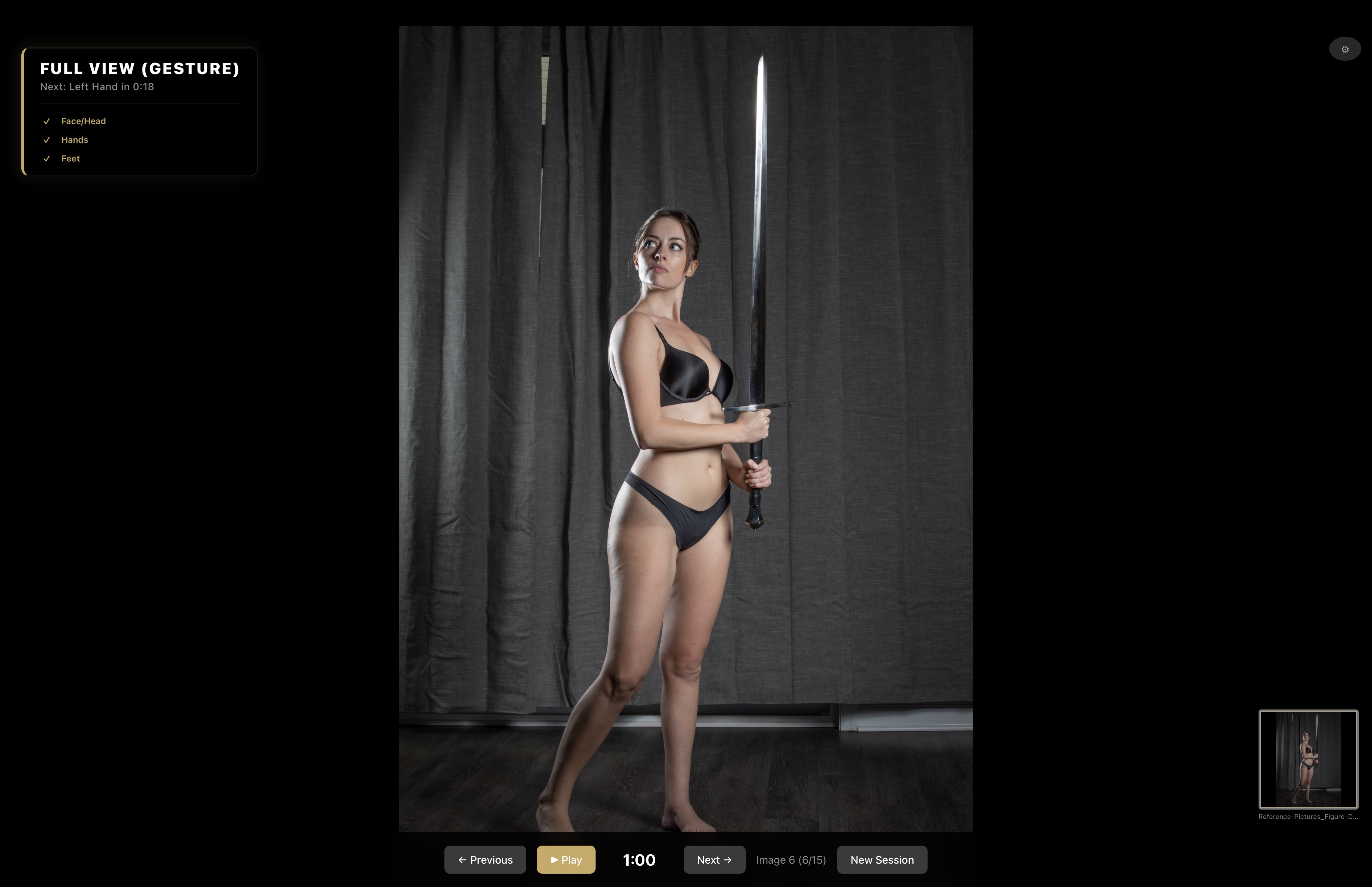
One pose can open into grip, stance, and balance study.

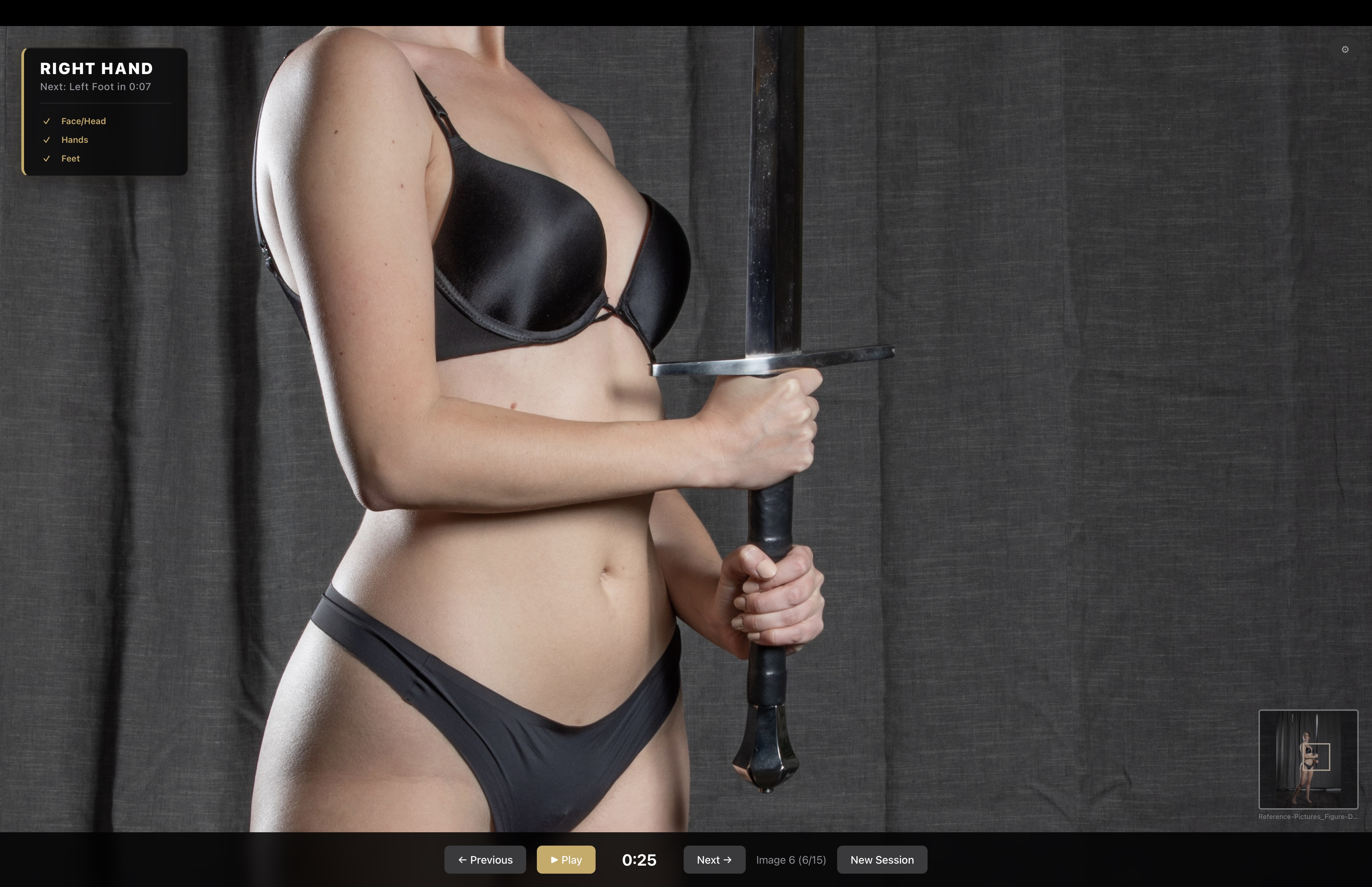
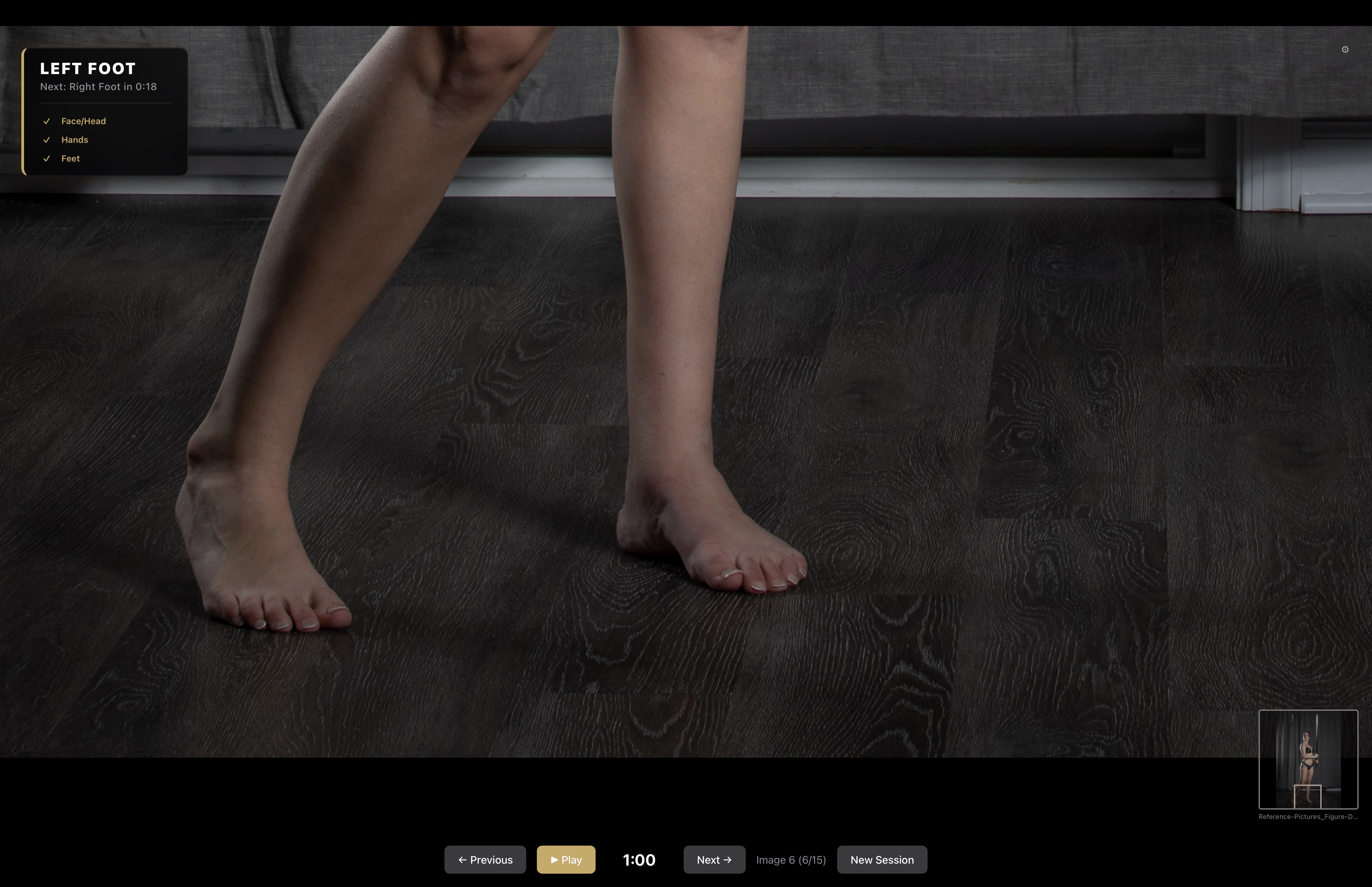
This sword stance shows how a single reference image can be actively broken down—moving from the full figure, to the grip on the hilt, and down to the footing.

  • The wide frame establishes silhouette, weight, and the sword's vertical line.
  • The close hand view makes grip and wrist structure much easier to study.
  • The foot detail turns the same pose into a quick balance and grounding exercise.
Reference Flow showing the full figure of a standing sword pose. Reference Flow zoomed into the hand gripping the sword. Reference Flow zoomed into the feet and stance of the sword pose.

Reference images shown here are from and available at Reference Pictures.

Offline

Work anywhere.

Detection runs locally, so the app remains useful in a studio, classroom, or travel setup without waiting on a connection.

Ownership

No subscription fatigue.

The product is positioned as a tool you own, not a meter running in the background while you try to practice.

Reuse

Save the sessions that work.

Custom intervals and favorite setups let you return to a proven drawing rhythm instead of rebuilding it every time.